Knowing how to set up and run Facebook ads (insert links to both articles on the blog) is great. But there’s something that could often get in the way of your ad’s effectiveness—your ad budget.
A great Facebook ad relies on precise targeting, engaging creatives, and a strategic budget. But these can be time-consuming and tricky to figure out but what if I told you that there was a way to optimize them effortlessly? That’s where Campaign Budget Optimisation (CBO) comes in.
CBO is an automated system that optimises your ad budget efficiently. You’ll find everything you need to know about CBO in this article and how you can use it for your next campaign. Let’s get started.
What is CBO?
CBO is a feature in Facebook (Meta) Ads Manager that automatically distributes your budget across different ad sets to maximise performance.
This means that instead of manually setting budgets for each ad set, you only need to set a total budget at the campaign level and leave Facebook’s algorithm to do the work of distributing funds where they’re most likely to drive results.
Think of it as a smart money manager for your Facebook ads that constantly analyses which audiences and placements are delivering the best results and shifts your budget accordingly.

CBO is designed to maximize your return on ad spend (ROAS) (insert link to “10 Important Metrics to Track When Running Facebook Ads for Better Results”) by automatically allocating your budget to the highest-performing ad sets.
So if one audience isn’t responding well, Facebook will redirect more money to the ones that are without you having to do any work. How cool is that?!
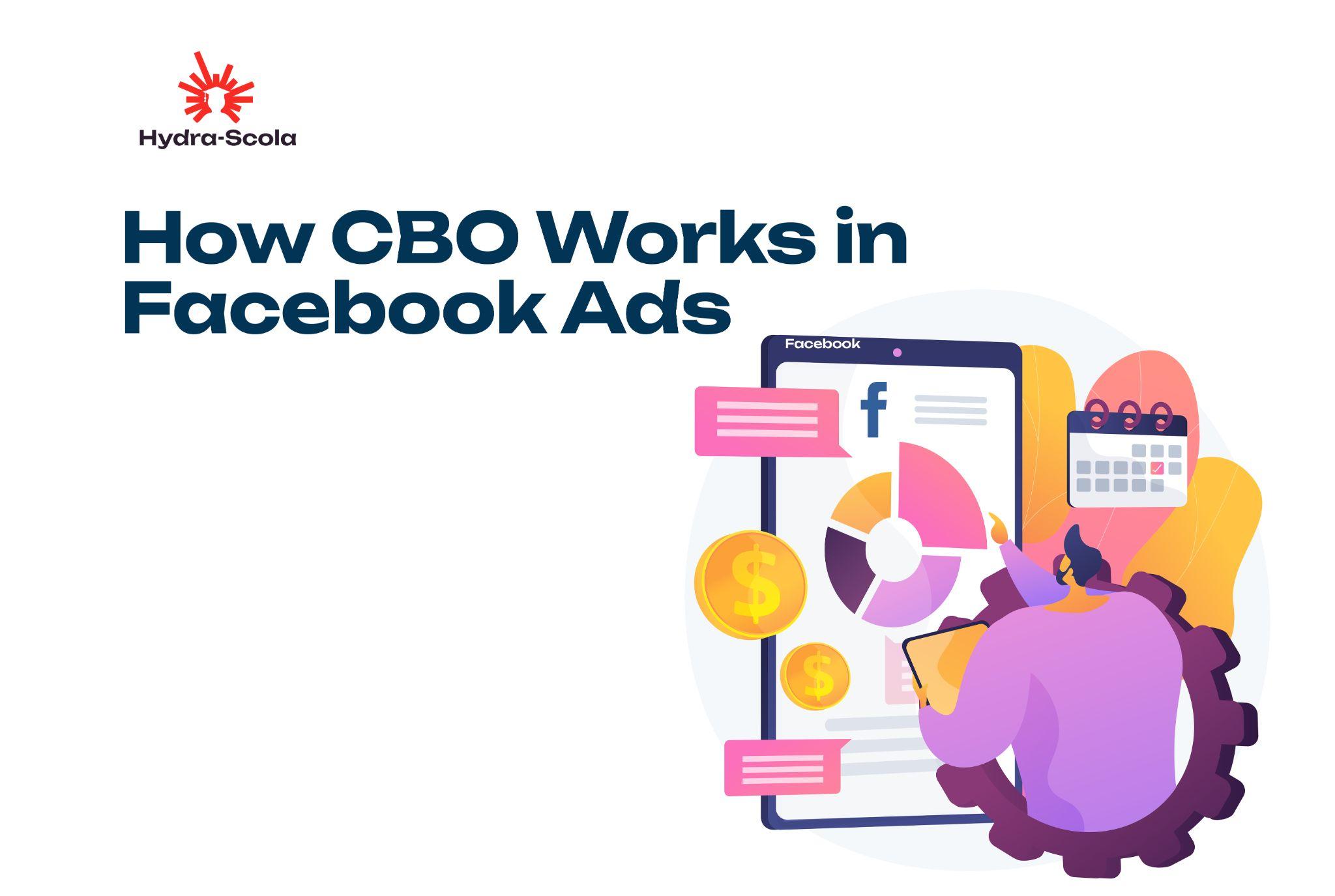
How CBO Works in Facebook Ads
Now that you have a decent understanding of what CBO is, let’s get down to figuring out how it works.
When setting up a campaign in Facebook Ads Manager, there are usually two budget options available:
- Ad Set Budget Optimisation (ABO): This allows you to manually assign budgets at the ad set level.
- Campaign Budget Optimisation (CBO): This is the cooler version where Facebook automatically distributes your budget across ad sets for the best results.
Now, here’s how CBO works:
Step One: You set a total campaign budget.
Step Two: Facebook analyses each ad set’s performance in real-time.
Step Three: The algorithm shifts more of your budget to ad sets that are delivering better results based on real-time performance data.
And voila! Just like that, you have ads that get more exposure and perform better, ensuring that your money is well spent.
Benefits of Using CBO
Let’s talk more about the benefits of CBO:
1. Smarter Budget Allocation: Instead of wasting money on poorly performing ad sets, Facebook moves your funds to the ad sets that are bringing the best results.
2. Time-Saving: With CBO, you don’t need to manually adjust budgets for each ad set because it’s automated. You can channel that time to working on ad strategies instead.
3. Better Scaling: As your campaign runs, Facebook learns which audiences respond best and allocates more budget to them, making scaling easier.
4. Higher ROAS: CBO ensures that your budget is always working in the most efficient way, and helps you get the most value from your ads.
How to Set Up CBO in Facebook Ads?
If you like the idea of having CBO do the heavy work for you so your campaign can be fruitful, here’s how to go about it:
Go to the Facebook Ads Manager page
Create a new ad campaign
Choose a campaign objective, such as “Traffic,” “Conversions,” or “App Installs”
Name your campaign
Find the budget optimisation section at the campaign level
Toggle on “Campaign Budget Optimisation”
Set your campaign budget and optimisation event
Continue your set up.
When to Use CBO for Your Facebook Ads
CBO is not a magic button that works for all campaigns. It’s best for certain scenarios.
Here are some of them:
- When running multiple ad sets: If your campaign targets different audience segments, CBO ensures the best-performing ones get more budget.
- For lookalike or broad audiences: CBO works well when you have broad or lookalike audiences in different ad sets under one campaign; because it allows Facebook to identify the best-performing segments and double down on them.
- When testing different creatives or ad formats: If you’re testing different types of content (images, videos, carousels), CBO helps prioritise the ones getting the most engagement and cheaper results.
- For evergreen campaigns: Long-term campaigns benefit from CBO since it continuously optimises performance.
When You Should Not Use CBO
Yes, CBO works and makes your Facebook ad budget optimization easier but sometimes it’s not the best option.
Don’t use CBO if you have a small budget (e.g., less than ₦5,000 per day) and need strict control over where every naira goes.
In this case, ABO might be a better choice so you can decide how much is spent on an ad set as it runs.
Tips for Creating a Facebook Ad Campaign with CBO
To get the most from using CBO in your Facebook ad campaign, here are some tips to keep in mind:
- Start with multiple ad sets: Give Facebook enough room to optimize by testing different audiences.
- Set a realistic budget: A low budget may limit the algorithm’s ability to optimize effectively.
- Monitor performance regularly: Although CBO automates budget allocation, you should still check in to ensure it’s working as expected.
- Use high-quality creatives: Facebook prioritises high-engagement ads, so ensure your visuals and copy are compelling.
Common Challenges When Using CBO
If you thought using CBO in your Facebook ad campaign would be challenge-free, then think again.
CBO does a lot in making your ads effective but it’s not perfect and comes with some challenges.
Here are some common issues you might face:
- Budget misallocation: Sometimes, Facebook may allocate more budget to an ad set that appears promising at first but doesn’t actually convert well. For example, an ad set with a high click-through rate but a low purchase rate might receive more funding, leading to inefficient spending.
- Limited control over ad set budgets: If you prefer more control over your budget, CBO might feel too automated for you.
- Fluctuating performance: Results can be inconsistent, especially when testing new audiences or creatives (just to be sure, if you’re not sure what I mean by creatives, I’m talking about your ads’ components—from the copy to the visuals; images and videos).
How to Overcome These Challenges
- Use minimum and maximum spend limits: This ensures that Facebook doesn’t allocate too much or too little to certain ad sets.
- Keep a close eye on performance: Don’t just set and forget. If an ad set is underperforming, consider making manual adjustments.
- Test different audience sizes: Broader audiences tend to work better with CBO.
Frequently Asked Questions
1. What is ABO?
ABO (Ad Set Budget Optimisation) is the manual version of CBO, where you set budgets at the ad set level instead of letting Facebook distribute funds automatically.
2. How Does CBO Differ from ABO?
The major difference between CBO and ABO is that:
In CBO, Facebook automatically allocates budget across ad sets.
You manually assign budgets to each ad set in ABO.
3. What Are the Common Mistakes to Avoid When Using CBO?
Mistakes can be inevitable when using CBO in Facebook ads. Here are some common mistakes you might encounter:
- Not having enough ad sets: Running only one or two ad sets limits Facebook’s ability to optimize.
- Setting too low a budget: Small budgets restrict the algorithm from making effective decisions.
- Ignoring performance data: Even though CBO is automated, you still need to analyse and tweak your campaigns.
Final Thoughts
If you’re running multiple ad sets and want Facebook to handle budget allocation, CBO is a great option.
However, if you prefer direct control over your ad set budgets, ABO might still be the way to go.
Whichever method you choose, the key to success remains the same: test, analyse, and optimise.
There’s More on Hydra-Scola!
5 Ways to use Facebook ads library to Your Advantage
Facebook vs. Google Ads: Which One Is Best for Your Business?
What is Facebook Pixel and How Does It Work?

Elsie Udoh is a writer who transformed her love for talking into a career. You can easily tell that she talks a lot by how her paragraphs flow.
She’s big on clarity, connection, and helping people learn something new without getting bored halfway through.