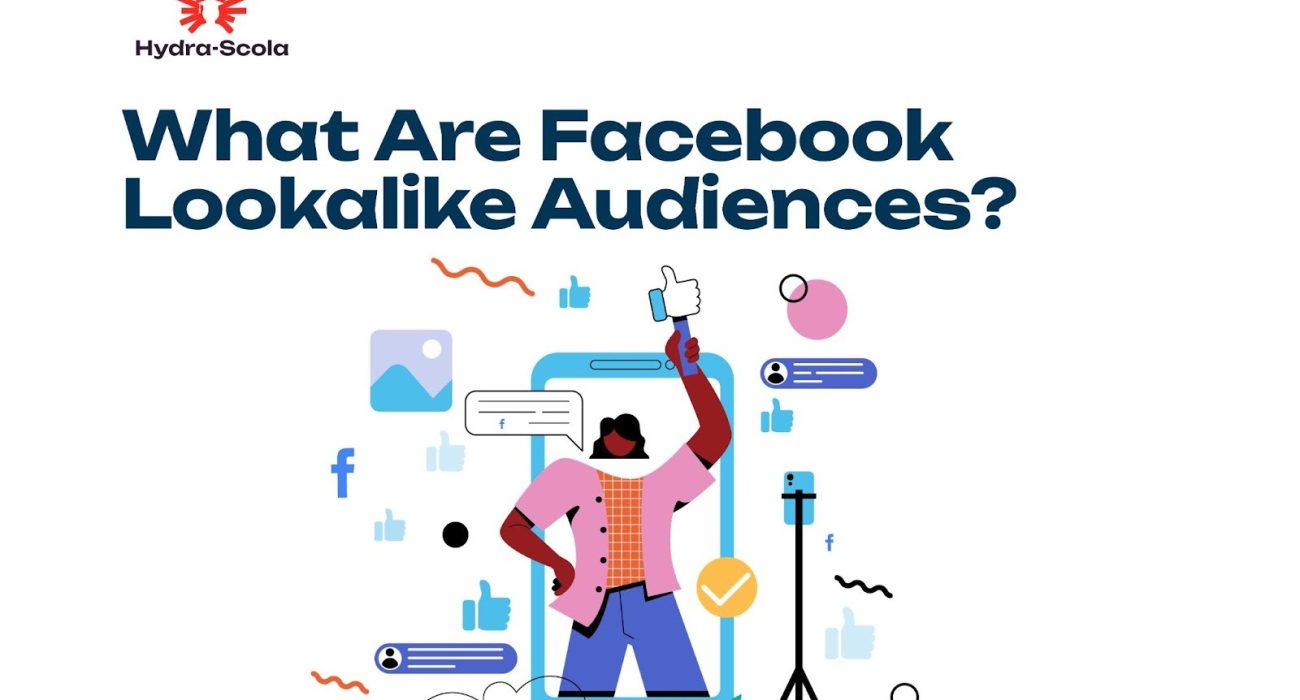
How to Use Facebook Lookalike Audiences to Improve Your Targeting for Better Ad Results.
If you’ve ever wished you could clone your best customers and find more people just like them, Facebook Lookalike Audiences might just be your new best friend.
This tool helps businesses reach new audiences that share striking similarities with their existing customers.
Instead of taking wild guesses with ad targeting, Lookalike Audiences use real data such as your current customers, website visitors, or even social media engagers to match you with new users who have the same interests and behaviours.
This helps you spend your ad budget more efficiently and boosts conversions. Let’s go into the details of how Facebook Lookalike Audiences work and how you can use them to grow your business.
What Are Facebook Lookalike Audiences?
As earlier explained, Facebook’s Lookalike Audiences are a powerful advertising tool that allows businesses to reach new potential customers who share similar characteristics with their existing audience.
This feature helps advertisers avoid the stress of retargeting and simply leverage the data from their current customers, website visitors, or social media followers to find similar users on Facebook.
Lookalike audiences are a great way to enhance your ad targeting, ensuring that your marketing budget is spent on users who are more likely to be interested in your products or services.
How Facebook Lookalike Audiences Work
Now, how do Facebook Lookalike audiences work?
Simple: Facebook analyses the data from an existing “source audience,” such as customer lists, website visitors, or engagement with your Facebook page.
Then, it identifies users with similar behaviours, interests, and demographics. These users form a lookalike audience.
When setting up a lookalike audience, you can specify:
- Source Audience: A high-quality custom audience (e.g., email subscribers, past buyers, or people who engaged with your content).
- Audience Size: A scale from 1% (most similar) to 10% (broader reach) of the selected country’s population. A smaller percentage offers higher similarity, while a larger percentage provides a broader reach.
- Target Location: Choose the country or region where you want Facebook to find similar users.
How to Create a Facebook Lookalike Audience
To create a Facebook lookalike audience, you first need:
- A “seed audience” with at least 100 people from the country that you want to create your Lookalike Audience in, and
- An admin or advertiser’s permissions on the ad account.
With those in place, you can proceed to create a Facebook lookalike audience. Here’s how:
Step 1: Set Up a Source Audience
Before creating a lookalike audience, you need a well-defined custom audience. This could be:
- Website visitors (using Facebook Pixel)
- Customer email lists
- Page followers and engagers
- People who have completed a specific action (e.g., purchases, sign-ups)
Step 2: Go to Facebook Ads Manager
- Navigate to Audiences in Facebook (Meta) Business Manager.
- Click Create Audience and select Lookalike Audience.
Step 3: Select Your Source Audience
Choose a custom audience as the foundation for your lookalike audience. Ensure it contains at least 100 people from a single country for better results.
Step 4: Choose the Target Location
Select the country where you want to find new potential customers. Facebook will search for similar users in that region.
Step 5: Adjust the Audience Size
Use the slider to choose the similarity percentage (1% to 10%). Smaller percentages provide more precision, while larger percentages increase reach.
Step 6: Create and Use the Audience
Click Create Audience and use it in your ad campaigns. Facebook will take a few hours to generate an audience but pending that, you can use it to set up a campaign as the audience populates.
Tips to Optimise Your Lookalike Audiences
1. Use High-Quality Source Audiences
The better your source data, the more effective your lookalike audience. So use engaged customers, repeat buyers, or those who completed valuable actions.
2. Start with a 1% Lookalike and Expand
Begin with the most similar (1%) audience, then gradually test broader percentages to scale your reach.
3. Combine with Interest and Behavioural Targeting
To refine your targeting, layer lookalike audiences with Facebook’s interest-based filters.
4. Regularly Update Your Source Audience
Keep your custom audience up to date by refreshing customer lists and website traffic data.
5. Test and Monitor Performance
Run A/B tests to compare lookalike audiences with other targeting methods and optimize based on results.
READ ALSO: What are A/B tests and How to A/B test Facebook ads (Insert link)
Final Thoughts
Facebook Lookalike Audiences are an essential tool that can help you expand your business reach and improve ad performance.
The better you are at finding highly relevant new audiences, the better your engagement, conversions, and return on investments (ROI).
Find More Resources to Help You Run Successful Facebook (Meta) Ads Below
How to Run Facebook Ads for Your Business in Nigeria

Elsie Udoh is a writer who transformed her love for talking into a career. You can easily tell that she talks a lot by how her paragraphs flow.
She’s big on clarity, connection, and helping people learn something new without getting bored halfway through.